

Most of your risk works for somebody else.
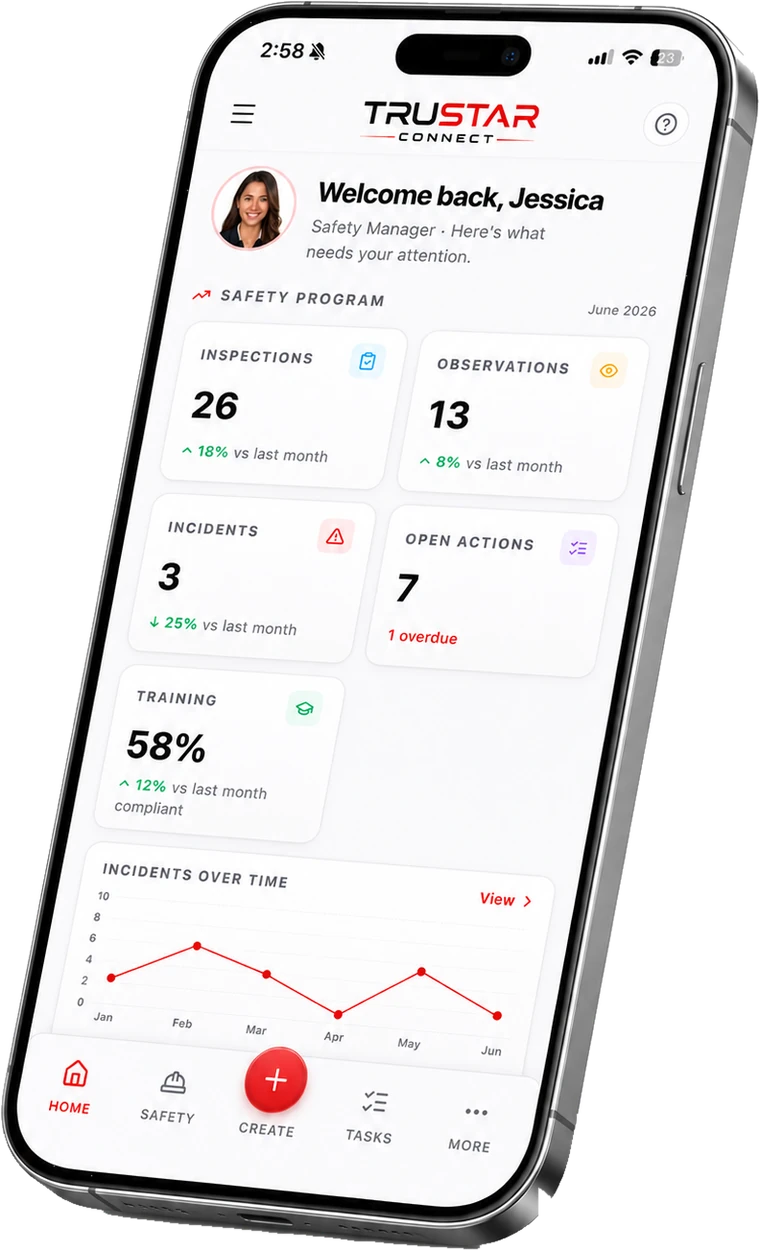
On an ICI job the general contractor carries the program and the subtrades do the work. TruStar Connect gives every subcontractor a free portal to keep their own workers and training current against your projects, sends a branded daily report with manpower and weather, and builds the paperwork trail for every site without anyone assembling it.
No credit card. No sales call. Full access. Set up in minutes.
Prefer to read first? Get the full product brochure (PDF).
Why general contractors choose it
The evidence you are responsible for, from the people you do not employ
Every sub, free, forever
Unlimited subcontractor portals on every plan. You publish the documents you want collected; they keep their own trades, workers and project training current. A compliance chip beside each company says who is ready.
The daily report, done properly
Per-person manpower rolled up by role and trade, equipment hours and site weather, sent as a branded PDF to the list you choose. The weather is pulled for you and stays editable.
One trail per site, per day
Forms, permits and toolbox talks group themselves by day and project, so a request for “everything from the fourteenth” is a click rather than an afternoon.
COR evidence as you go
Readiness scored element by element against the current standard, with the records attached as the work happens rather than gathered the month before the audit.
Take it with you
The full product brochure.
A multi-page PDF walkthrough of everything TruStar Connect does and our published pricing. Easy to forward to the people who sign off on a new tool.
- Every module, explained in plain language
- Our published pricing for every worker band
- How the platform maps to COR and SECOR
Get the full product brochure (PDF)
A multi-page walkthrough of everything TruStar Connect does, our published pricing, and how we compare to SiteDocs, SALUS, and SafetyCulture. Enter your email and it is yours. Name, company, and phone are optional.
We will only use this to follow up about TruStar Connect. We never sell your data.
Prime contractor duties
Prove the program covered everyone on site.
Prime contractor obligations do not stop at your own payroll. TruStar Connect tracks every subcontractor company, the documents you decided to collect from them, the workers they put on each project, and the training those projects require — and shows you a single compliant-or-not answer per company before anyone mobilizes.
The subs manage their own side, which is the part that makes it stick. They are not filling in a form for you; they are keeping their own roster current in a portal that costs them nothing, against the projects they want to stay on.
Worked example
A 150-worker operation
TruStar Connect, Pro plan
Covers 51 to 150 workers. The same $1,099 whether you have 51 people on the books or 150.
Typical per-user safety software
With per-seat pricing, 150 workers means 150 licences, every month. Our price is the same at 150 workers as it is at 51. Run the math on your own crew and compare it to one flat number.
Independently reviewed
Rated by the safety teams who use it
TruStar Connect is listed and reviewed on the three directories buyers actually check before they shortlist safety software. Every review is verified by the directory, not by us.

Capterra, GetApp and Software Advice are independent software directories owned by Gartner. Reviews are collected and verified by them, and TruStar Safety has no ability to edit or remove what a reviewer writes.


The job, in one login
What the site produced, without chasing it
A commercial job generates paper from a dozen companies at once. These are the parts that gather it.
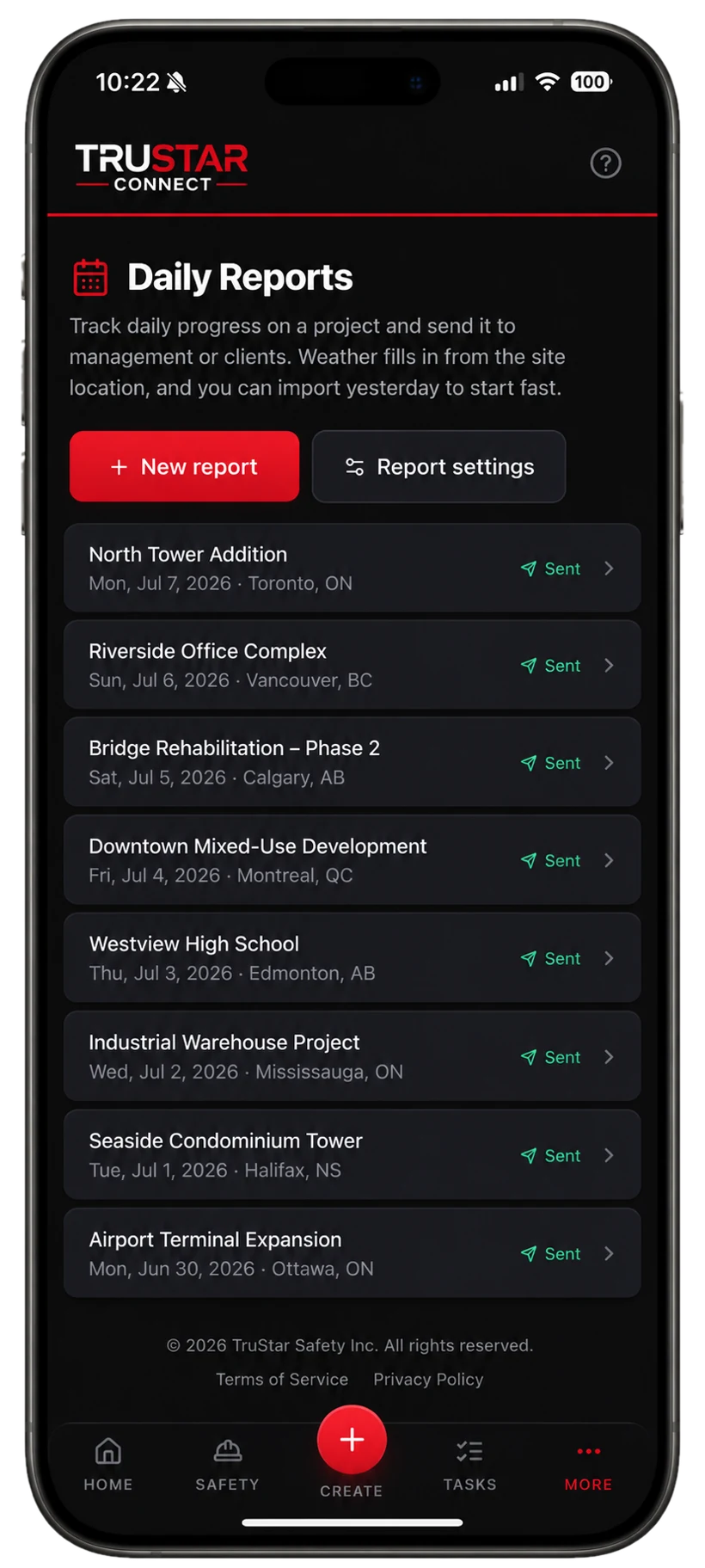
Daily reports
Manpower, equipment, weather.
Per-person manpower rolled up by role and trade, equipment hours and site weather, sent as a branded PDF to whichever list you set.
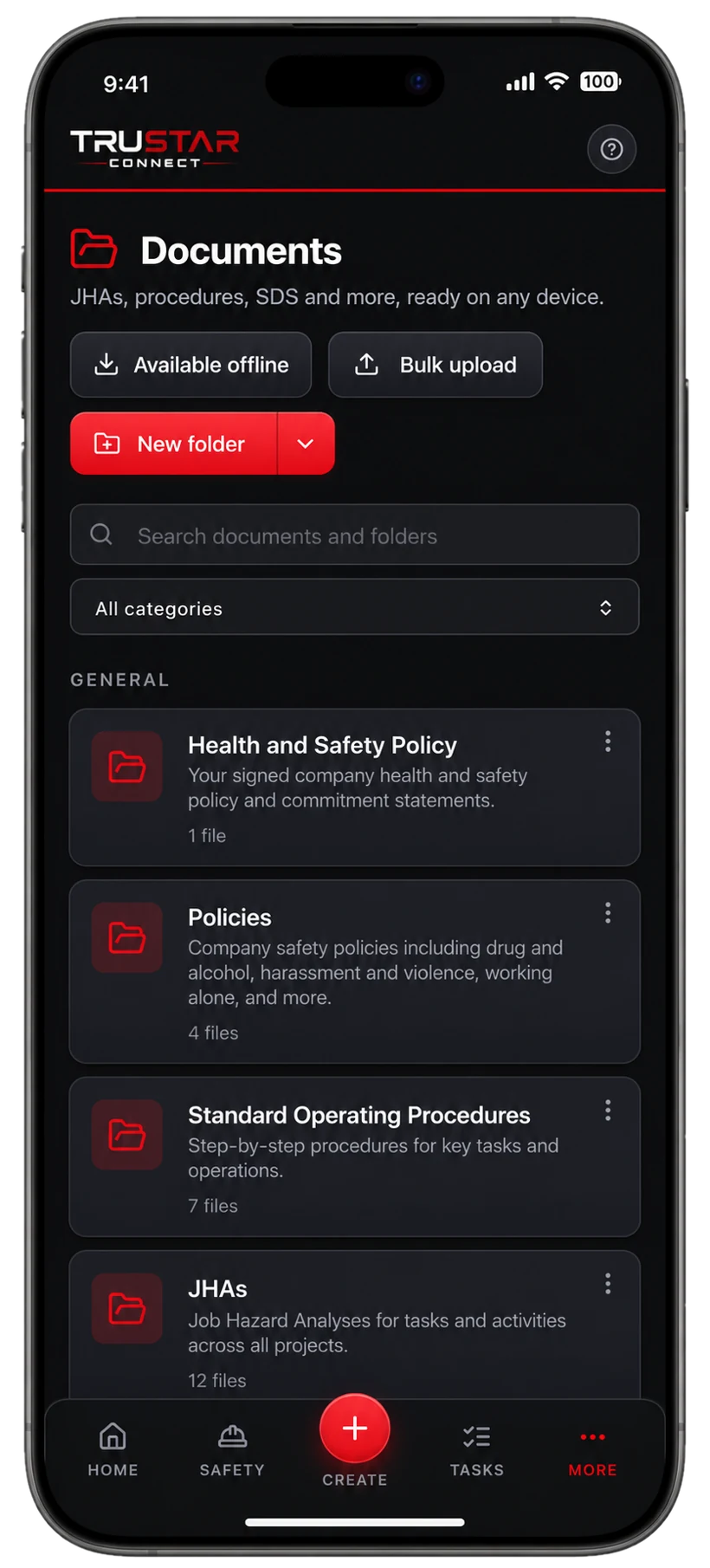
Subcontractor documents
Collected, reviewed, current.
Publish the document list once and every sub keeps their own current. A rejection reason is written once, by the reviewer, and stays part of the record.
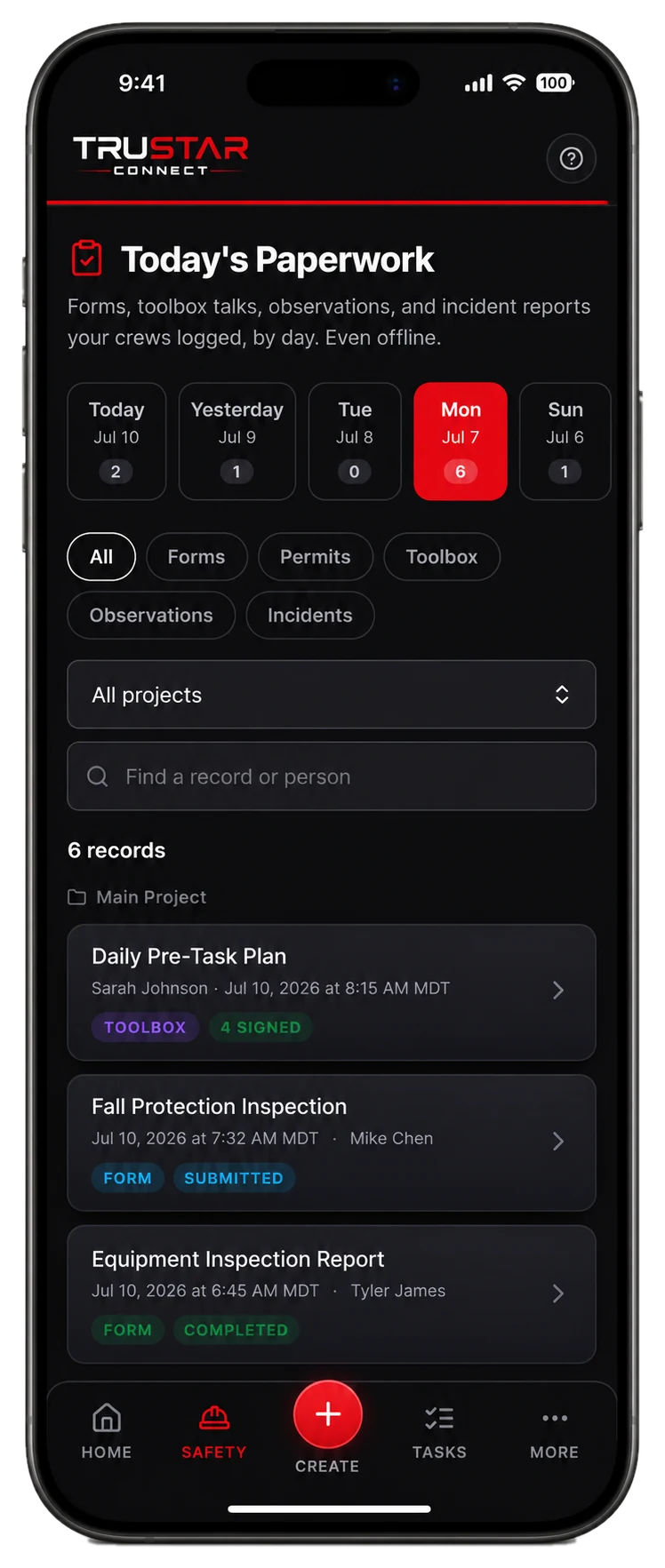
Paperwork trail
Every site, every day.
Forms, permits and toolbox talks file themselves by day and project, so producing a day’s record for a client or an auditor takes a click.
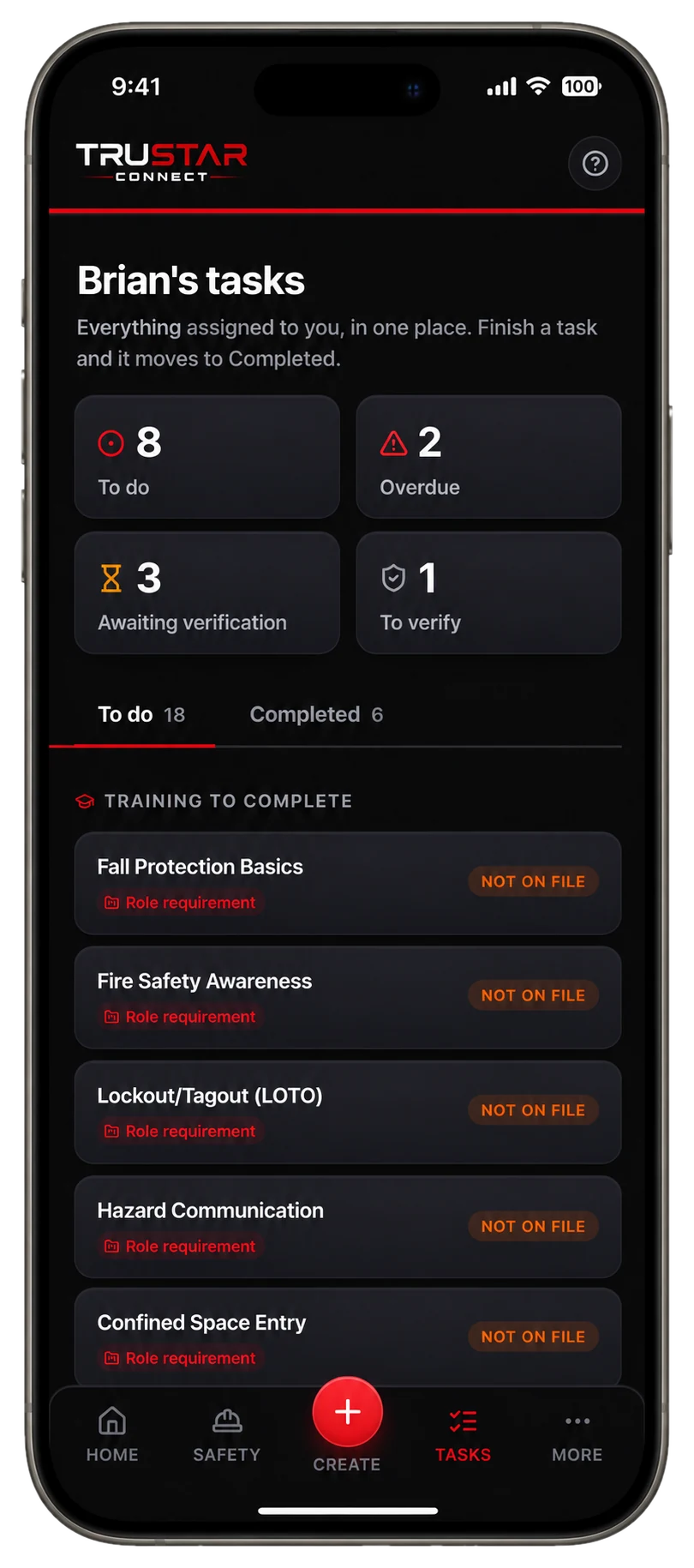
Corrective actions
Findings that actually close.
Deficiencies become tracked actions with owners and due dates, then effectiveness reviews to confirm later that the fix held.
Pricing, in the open
Pick a worker band. Get everything.
Every plan includes the entire platform. You are only choosing how many workers you cover.
Starter
Up to 10 workers
or $158/mo billed yearly
For small crews getting COR ready.
Growth
11 to 50 workers
or $428/mo billed yearly
For growing teams working across sites.
Pro
51 to 150 workers
or $989/mo billed yearly
For established multi crew operations.
Enterprise
150+ workers
Tailored pricing for large operations.
Straight answers
Questions buyers ask us
Do subcontractors have to pay?
No. Subcontractor portals are free and unlimited on every plan, and subs never count toward your worker limit. That is deliberate: a program only works if the people doing the work can afford to take part.
Can we choose which documents we collect from each sub?
Yes. You define the tracked document list, and each company supplies against it. The compliance chip beside a company reflects only the documents you actually asked for.
Does it check training per project?
Yes. Required training is set per project, so a worker cleared for one site is not automatically cleared for another with different requirements.
Can I send the daily report to a client?
Yes. Reports go to whichever list of addresses you set. A copy emailed to a list is written in the one language your organization sets under Settings, because those addresses often belong to clients with no account here.
What about the COR audit?
The readiness module scores you element by element against the current standard, and the evidence package pulls the supporting records together for an assessor in one archive.
Try it before you talk to anyone.
Full access to the whole platform for 14 days. No credit card, no demo, no sales call. We spin up your workspace and email a link to set your password and get started.
- The entire platform, not a limited tier
- Published pricing waiting for you when the trial ends
- Your data hosted in Canada (ca-central-1)
- Import your existing program and records
- Works fully offline in the field
Built for the work that carries real risk, and proven on it: TruStar Connect runs a working Canadian safety program in the field every day.
Start your 14-day free trial
Full access. No credit card. Set up in minutes.
By starting a trial you agree to our Terms of Service. We will never sell your data.
Stop emailing subs for certificates.
Publish your document list, invite your subtrades to their free portals, and watch the compliance chips turn over.
Start your 14-day free trialExplore more: COR & SECOR compliance software, Protect your WCB rebate, Safety management software, Fleet compliance for trucking, Oil and gas safety software, Industrial construction, Civil and heavy construction, Electrical and mechanical trades, Utilities and powerline, Manufacturing and fabrication, or compare TruStar Connect to other safety software.