

The iron is the job, and the paperwork follows it.
Roadbuilding and earthworks spread a crew and a fleet along a right of way. TruStar Connect keeps every machine’s inspections, meters and service intervals current, runs the site-specific hazard assessment where the work actually is, and holds the COR evidence the next municipal tender will ask you to produce.
No credit card. No sales call. Full access. Set up in minutes.
Prefer to read first? Get the full product brochure (PDF).
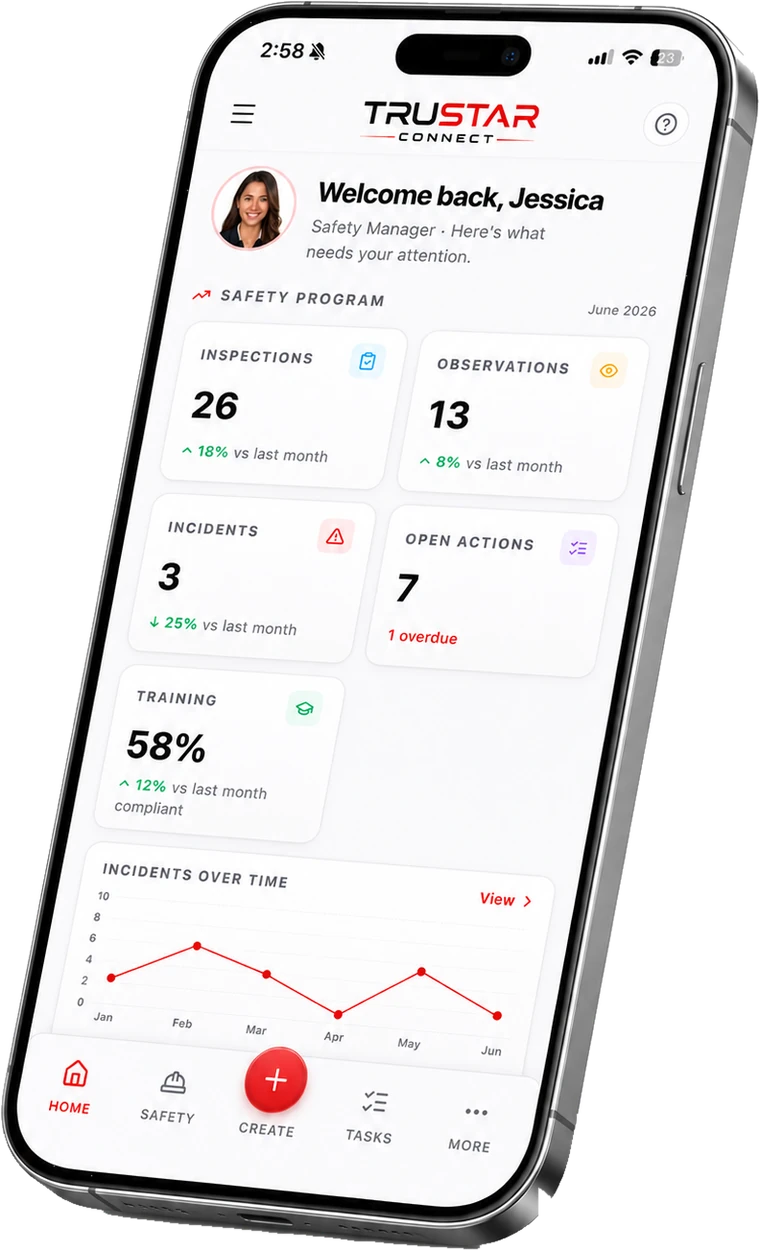
Why civil contractors choose it
Built around the equipment, not bolted on beside it
Equipment that flags itself
Every machine carries its photos, meters and documents. Inspections raise deficiencies automatically, service-due comes off the meter, and registration and insurance renewals are caught before they lapse.
Hazard assessment where the work is
The register travels with the site. Assess the hazard, pick the control, and link it straight to the procedure that governs it — from the phone, in the ditch, with no signal.
The certificate the tender asks for
Readiness scored element by element against the current COR standard, so the certificate you need to bid does not become a scramble every three years.
No signal, no excuse
Inspections, forms and permits are completed offline along the whole alignment and sync when the truck reaches town.
Take it with you
The full product brochure.
A multi-page PDF walkthrough of everything TruStar Connect does and our published pricing. Easy to forward to the people who sign off on a new tool.
- Every module, explained in plain language
- Our published pricing for every worker band
- How the platform maps to COR and SECOR
Get the full product brochure (PDF)
A multi-page walkthrough of everything TruStar Connect does, our published pricing, and how we compare to SiteDocs, SALUS, and SafetyCulture. Enter your email and it is yours. Name, company, and phone are optional.
We will only use this to follow up about TruStar Connect. We never sell your data.
The machine is a compliance record
A deficiency found at 6am should not wait for the office.
A pre-use inspection that finds a problem is only useful if it goes somewhere. In TruStar Connect a failed item becomes a tracked deficiency against that specific machine, with an owner and a due date, and the machine’s history shows every inspection, meter reading and repair against it.
Service intervals come off the meter rather than a calendar guess, so a scraper working double shifts is serviced on hours rather than on the day somebody remembers. Registration, insurance and inspection expiries are flagged ahead, which is the difference between a planned day down and a machine stopped at a scale.
Worked example
A 150-worker operation
TruStar Connect, Pro plan
Covers 51 to 150 workers. The same $1,099 whether you have 51 people on the books or 150.
Typical per-user safety software
With per-seat pricing, 150 workers means 150 licences, every month. Our price is the same at 150 workers as it is at 51. Run the math on your own crew and compare it to one flat number.
Independently reviewed
Rated by the safety teams who use it
TruStar Connect is listed and reviewed on the three directories buyers actually check before they shortlist safety software. Every review is verified by the directory, not by us.

Capterra, GetApp and Software Advice are independent software directories owned by Gartner. Reviews are collected and verified by them, and TruStar Safety has no ability to edit or remove what a reviewer writes.


The spread, in one login
The fleet, the ground and the record
Civil work moves along a line. These are the parts that keep up with it.
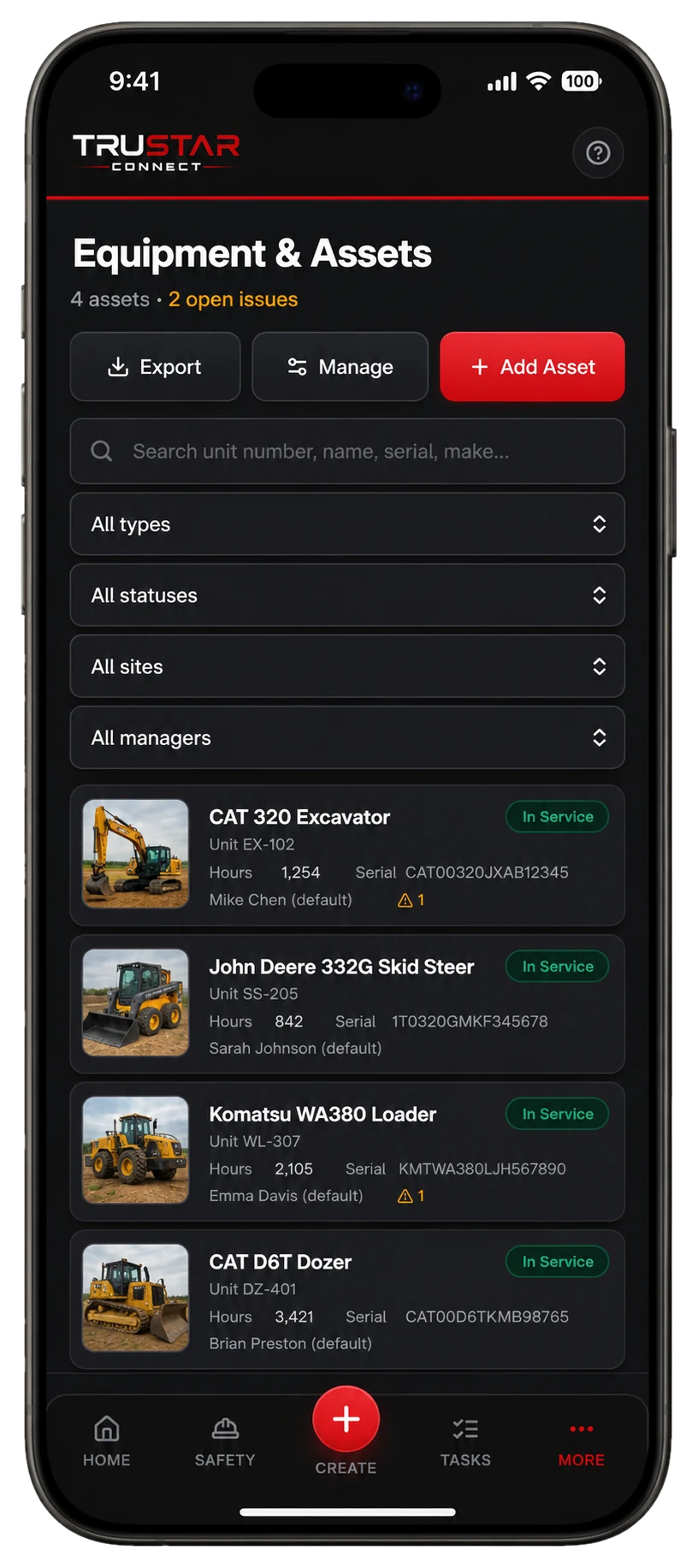
Equipment and maintenance
Every machine, with its history.
Photos, meters, documents and a full inspection history per unit. Deficiencies and service-due surface on their own, and renewals are flagged before they lapse.
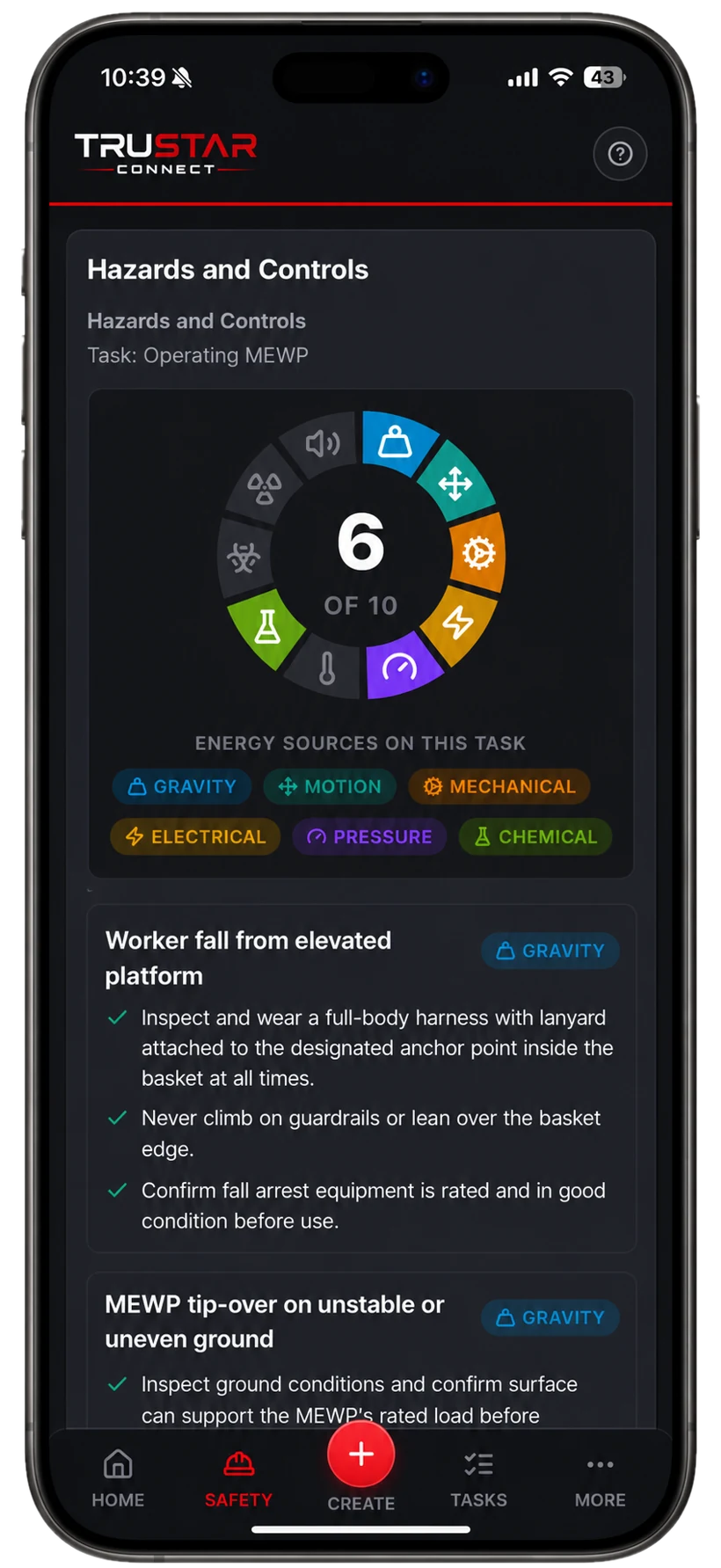
Hazard register
Assessed where the work is.
Identify, assess and control hazards from the field, with suggested controls linked straight to the documents that govern them.
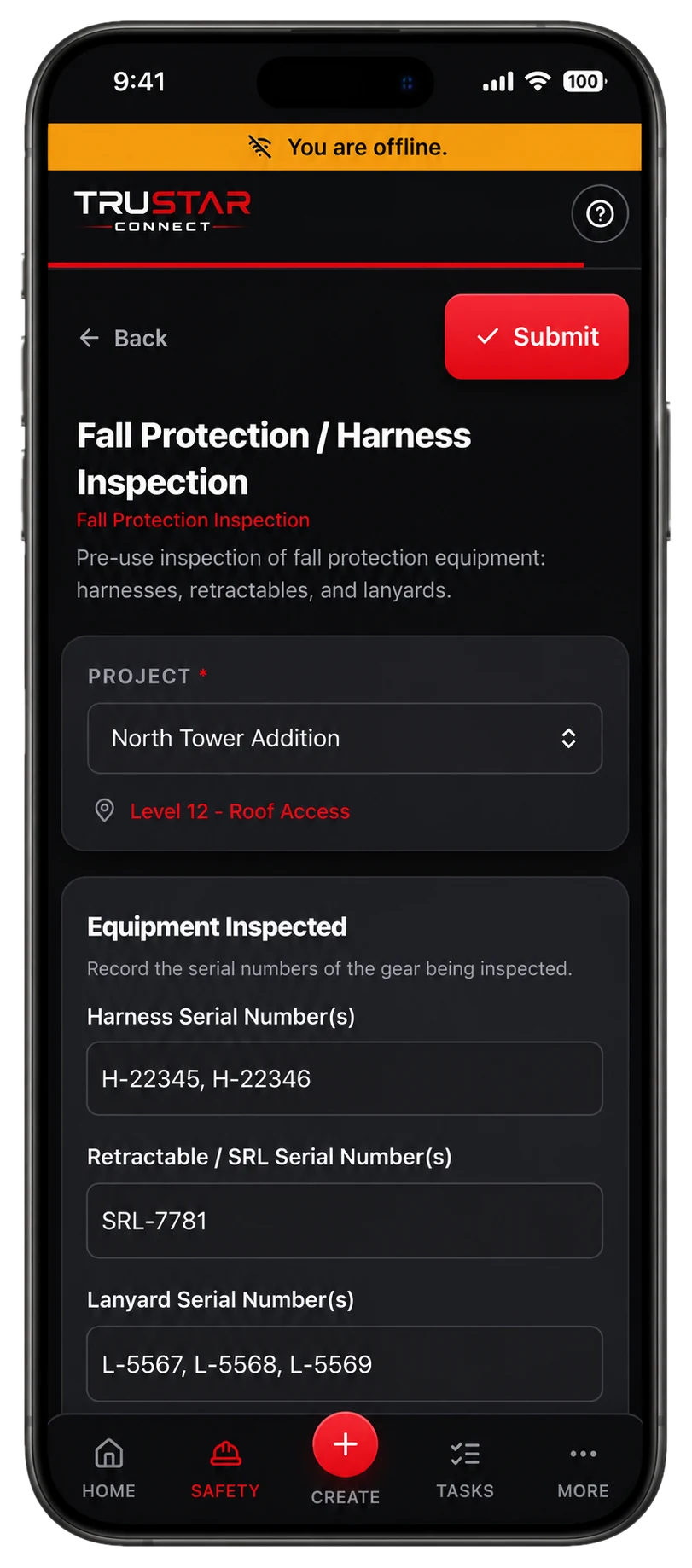
Offline mode
The whole alignment, covered.
Crews complete inspections, forms and permits with no signal and everything uploads itself once they are back in range.
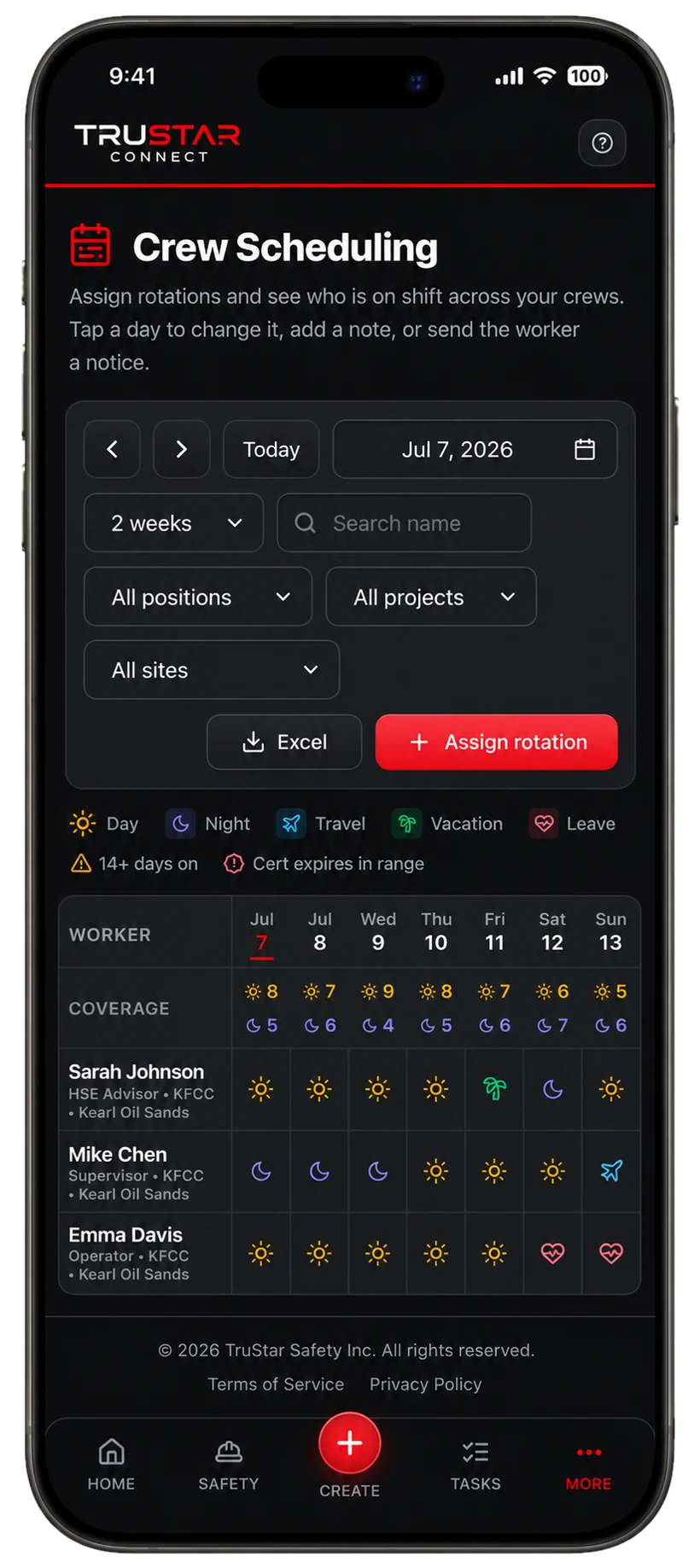
Crew scheduling
Coverage you can see.
Rotations and coverage across crews, with flags for fatigue and for certifications that expire partway through a rotation.
Pricing, in the open
Pick a worker band. Get everything.
Every plan includes the entire platform. You are only choosing how many workers you cover.
Starter
Up to 10 workers
or $158/mo billed yearly
For small crews getting COR ready.
Growth
11 to 50 workers
or $428/mo billed yearly
For growing teams working across sites.
Pro
51 to 150 workers
or $989/mo billed yearly
For established multi crew operations.
Enterprise
150+ workers
Tailored pricing for large operations.
Straight answers
Questions buyers ask us
Can operators do a pre-use inspection from a phone?
Yes. Each machine can wear a QR tag: the operator scans it, the right inspection form opens for that unit, and the result files itself against the machine’s history. It works with no signal.
Does service scheduling use hours or dates?
Both, and hours are the useful one. Service intervals can run off the meter reading, so a machine working long shifts comes due on hours rather than on a calendar date that does not reflect the work.
Will it warn us before a registration expires?
Yes. Registration, insurance and inspection expiries are tracked per unit and flagged ahead of time, and the expiry reminders go out by email on a schedule.
Do we get the COR evidence in a form an assessor accepts?
The readiness module scores every element against the current standard and the evidence package exports the supporting records as one archive, in the language of whoever exported it.
Does it handle our subcontracted trucking?
Yes, two ways. Subcontractors get free portals to keep their own workers and documents current, and if you run your own commercial units the Fleet module covers NSC, CVOR and hours of service at no extra cost.
Try it before you talk to anyone.
Full access to the whole platform for 14 days. No credit card, no demo, no sales call. We spin up your workspace and email a link to set your password and get started.
- The entire platform, not a limited tier
- Published pricing waiting for you when the trial ends
- Your data hosted in Canada (ca-central-1)
- Import your existing program and records
- Works fully offline in the field
Built for the work that carries real risk, and proven on it: TruStar Connect runs a working Canadian safety program in the field every day.
Start your 14-day free trial
Full access. No credit card. Set up in minutes.
By starting a trial you agree to our Terms of Service. We will never sell your data.
Put the fleet on the system before spring.
Add your machines, tag them, and have the crew scan and inspect on the next shift. No credit card and no sales call.
Start your 14-day free trialExplore more: COR & SECOR compliance software, Protect your WCB rebate, Safety management software, Fleet compliance for trucking, Oil and gas safety software, Industrial construction, Commercial construction, Electrical and mechanical trades, Utilities and powerline, Manufacturing and fabrication, or compare TruStar Connect to other safety software.